
ModelDesk
Graphical user interface for parameterization and simulation
ModelDesk is a graphical user interface for simulation control, intuitive model parameterization, and parameter set management. It also provides project handling and allows parameter sets to be downloaded to offline and online simulations. The tool has an automation interface that supports Python scripts, for example. ModelDesk can be used seamlessly from parameterization to offline and online simulation, up to parameter and result management.
- Seamless simulation process from MIL to HIL
- Intuitive, graphically supported parameterization
- Parameters changed online and offline
- Managing parameter sets and entire projects
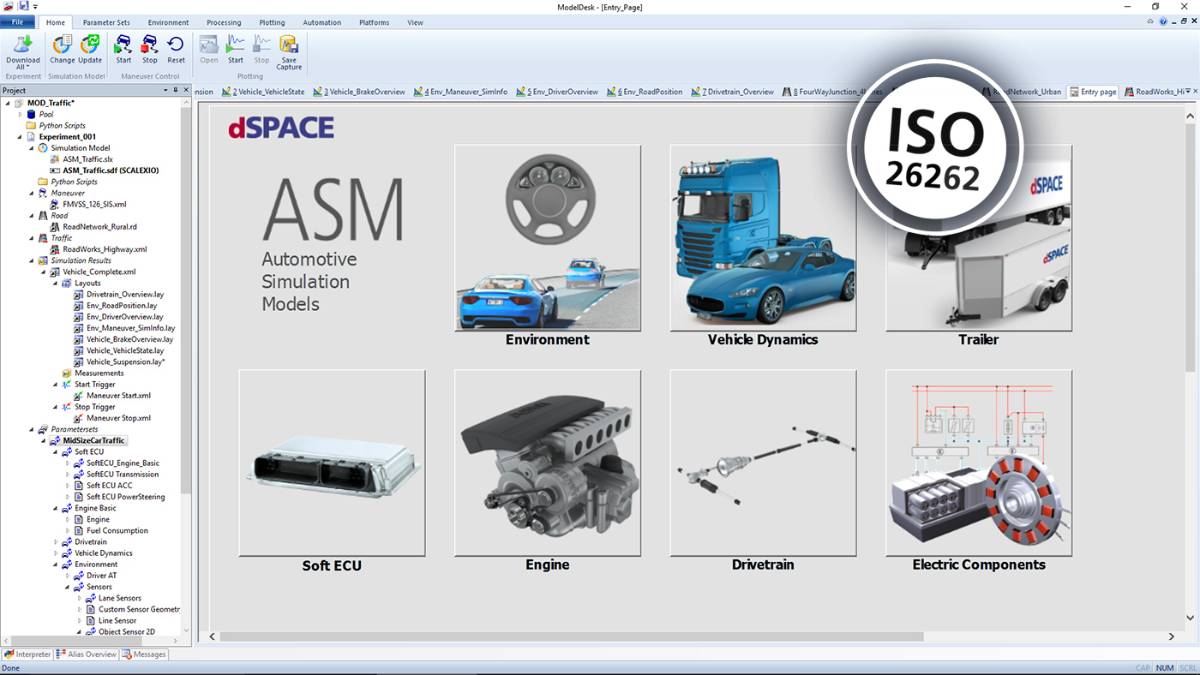
The tool is suitable to be used in safety-related development projects according to ISO 26262:2018 for any automotive safety integrity level (ASIL).
Components and Characteristics
- Graphical user interface
- Parameter set management
- Simulation and experiment management
- Plotter
- Road Generator
- Scenario Editor
- Engine Parameterization
- Processing for engine models
- Tool automation – remote and batch mode
- Custom model parameterization
Key Benefits
Many Tasks – One Tool
ModelDesk is the central user interface and can be used to perform all major tasks before, during and after simulation. ModelDesk is equally well suited for model-in-the-loop (MIL) simulations or Simulink simulations (offline) and hardware-in-the-loop (HIL) simulations (online), so it supports an integrated process from function development to ECU testing.
During simulation experiments, ModelDesk manages parameters such as the course of roads, driving maneuvers, traffic, and vehicle configurations together with the simulation results and any measurement data to ensure that simulations are easy to reproduce. Offline and online simulations can also be compared just as easily.
ModelDesk Processing is an integrated parameterization workflow for ASM. With ModelDesk Processing, users can now include initial data, such as measurements, functions and settings, and process it into parameters optimized for simulation models.
Engine ParameterizationElementary engine configurations, such as the number of cylinders, piston displacement and injection maps, can be performed on-screen with just a couple of clicks.
Road GeneratorThe Road Generator is the graphical user interface for defining road networks and sophisticated road features.
Scenario EditorThe Scenario Editor is the graphical user interface for very flexible and easy traffic scenario definition.
Electric Components ParameterizationAll the modeled electric components of the ASM Electric Components model are displayed graphically in ModelDesk for convenient parameterization.
-
- View online
- Download
- First Steps with ASM These tutorial videos show you how to get started with ASM.
- ISO 26262 - Be on the Safe Side with Certified Simulation Tools Watch this video series to see how certified dSPACE simulation tools help you create a safe and reproducible simulated environment.
- ModelDesk Scenario Preview With the ModelDesk Scenario Preview feature the user gets a quick visual preview of the active road and scenario configurations from ModelDesk.
- ModelDesk Vehicle Configurator ASM Vehicle Configurator supports the parameterization of the vehicle. With this tool it is possible to carry out the basic parameterization of the ASM vehicle dynamics model and to quickly create different vehicle variants.
Drive innovation forward. Always on the pulse of technology development.
Subscribe to our expert knowledge. Learn from our successful project examples. Keep up to date on simulation and validation. Subscribe to/manage dSPACE direct and aerospace & defense now.