Automated Testing Made Easy: Achieving Rapid Success for SIL and HIL with the SDK
- 汽车
- HIL 测试
- SIL测试
12:07min
概述
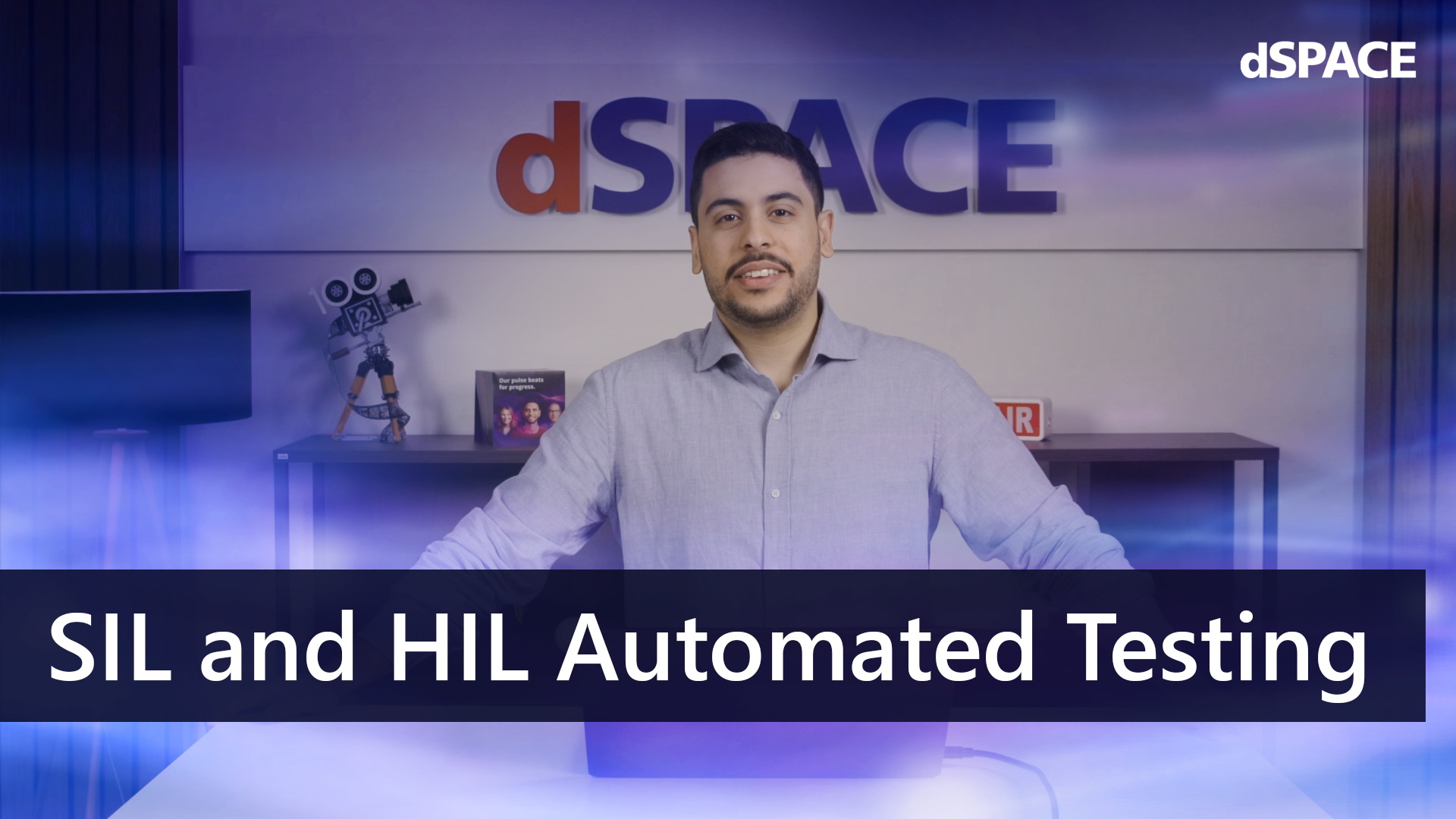
The increasing complexity of modern development environments presents developers with major challenges: Different tools, proprietary interfaces and inconsistent processes make everyday life in simulation and testing more difficult. This is precisely where the Test Automation SDK comes in. With its standardized, Python-based interface, it simplifies test automation for software-in-the-loop (SIL) and hardware-in-the-loop (HIL) and ensures that developers can focus on the test logic, instead of having to deal with the infrastructure. Whether you are working with VEOS, SCALEXIO, or third-party systems: The SDK integrates seamlessly and makes it easier than ever to get started with efficient, future-proof test processes.
Using a specific use case from the automotive industry ‑ the validation of a vehicle's turn signal ‑ the video shows how engineers can write a single test case and execute it in both SIL and HIL without changing the code. Test Automation SDK handles the detection of available interfaces, configuration management, signal access and execution orchestration, allowing developers to focus on the logic rather than the infrastructure.
The solution integrates seamlessly with existing CI/CD pipelines, Git-based workflows, and modern reporting systems such as Allure. The Test Automation SDK makes AI-supported test case generation easier than ever before: The clearly structured, simplified Python interface reduces uncertainty for AI tools and enables seamless automation. As Python is one of the leading programming languages for artificial intelligence, developers benefit from an optimal environment for efficiently creating and scaling AI-based tests. In addition, the extensible architecture, native Python base, and compatibility with widely used tools allow Test Automation SDK teams to accelerate development, reduce effort, and future-proof their testing processes ‑ especially in areas such as the automotive industry, where safety is essential.
主讲

Youssef Badawi
Project Engineer Testing & Data Management, dSPACE
FAQ
Q1: What problem does Test Automation SDK solve?
A1: Test Automation SDK removes the complexity of working with tools, APIs, and simulation environments from different vendors by providing a unified Python interface. This allows developers to write tests once and run them in both SIL and HIL without the need for modification.
Q2: How does Test Automation SDK support CI/CD pipelines?
A2: Since tests are written in native Python and executed via pytest, they can be seamlessly integrated into existing CI/CD infrastructures such as GitHub Actions, Jenkins, or GitLab CI. The SDK does not require any custom tools or proprietary plug-ins.
Q3: Can Test Automation SDK be used with third-party simulators?
A3: Yes, Test Automation SDK is extensible and supports the addition of third-party interfaces via configuration. This ensures consistent integrations.
Q4: How does Test Automation SDK enable AI-powered test creation?
A4: The abstraction layer keeps the test code clear and simple so that AI tools such as GitHub Copilot can easily understand and modify Python test cases. This improves reliability and speeds up test creation.
Q5: Is Test Automation SDK suitable for safety-critical automotive testing?
A5: Yes. Test Automation SDK supports workflows for the validation of safety-critical automotive systems.
Q6: Can the same test case be executed on both VEOS and SCALEXIO?
A6: Absolutely. By simply switching the configuration file, Test Automation SDK adapts to the environment and executes the same test logic without code changes.