
Comparison of Classic and Adaptive AUTOSAR for detecting and merging the differences between two AUTOSAR files.

Clear Overview
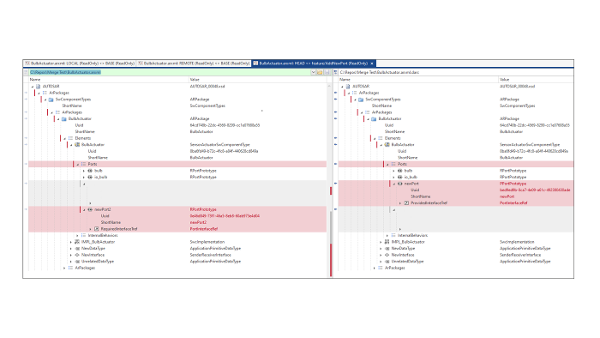
Visualization of differences in a tree view

Reduced Effort
Automatic detection of dependencies

Flexible Merge
Manual or automatic rule-based merging of differences

Interoperability with Git
Integration into the Git version control system
What is dSPACE AUTOSAR Compare?
dSPACE AUTOSAR Compare is a dedicated comparison tool for Classic and Adaptive AUTOSAR for detecting and merging the differences between two AUTOSAR files.
Application Areas
With AUTOSAR (ARXML) files, as with any distributed development, it is helpful to know which parts of a file have been changed by colleagues, customers, or suppliers. There are products that visualize text-based differences. However, the XML-based AUTOSAR standard and the many element dependencies in ARXML files often make text-based comparisons too complex. By providing element-level comparisons, dSPACE AUTOSAR Compare gives you a much better overview of relevant differences.
Key Benefits
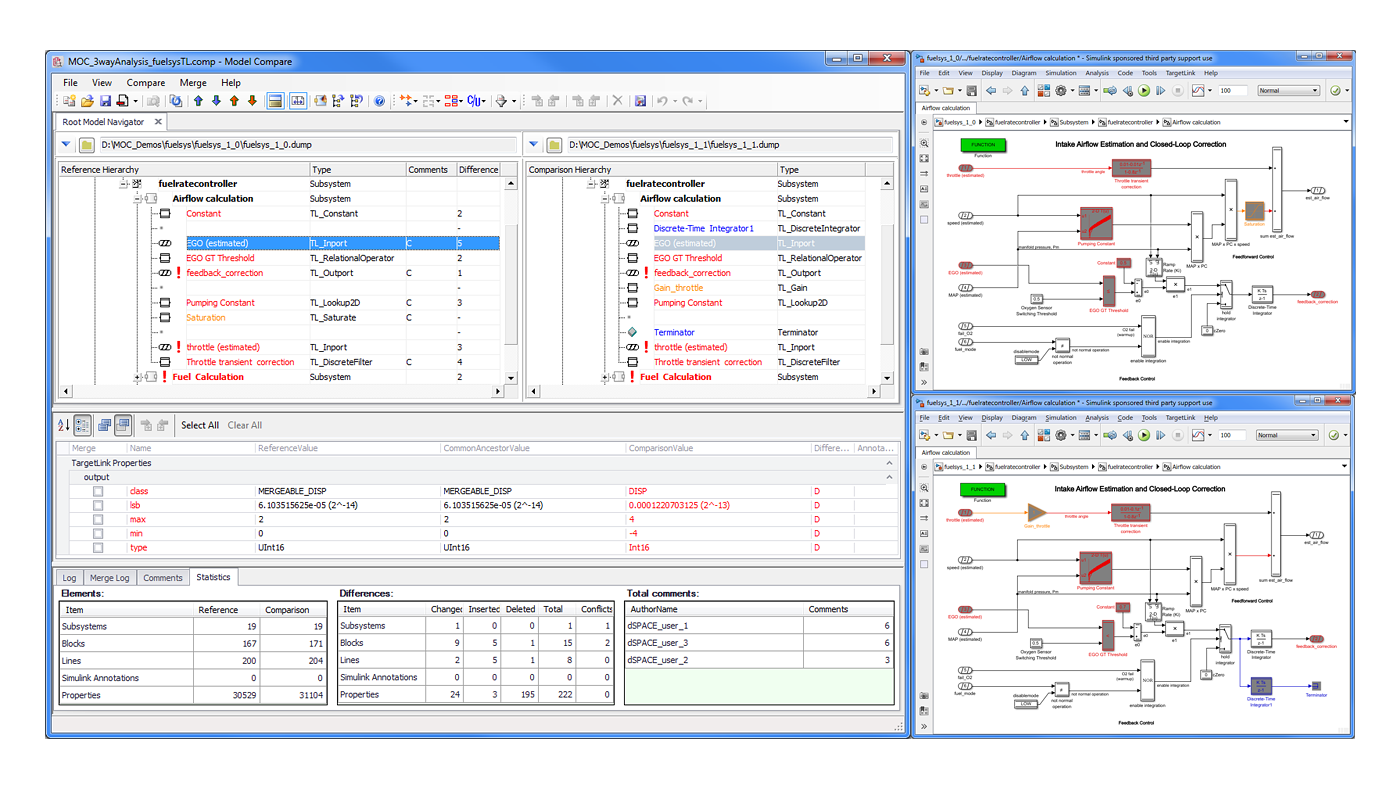
dSPACE AUTOSAR Compare always considers dependencies between the elements. It compares the elements, including all their properties and child elements, in a tree, giving you a clear overview. You can use filters to detect differences, missing elements, and even irrelevant differences, such as a different UUID. dSPACE AUTOSAR Compare can be integrated into the git version control system to view differences between different revisions of ARXML files and to assist with merge conflicts.


Comfortable Merge
When you know what differences exist between two files, you can easily copy individual elements from one side to the other side. You always have full control over which elements you copy and overwrite. dSPACE AUTOSAR Compare supports you in every single merge operation by highlighting all elements referenced by the one you selected and asking you whether to copy them as well. It considers not only the top level, but all levels.
Rule-Based Merge
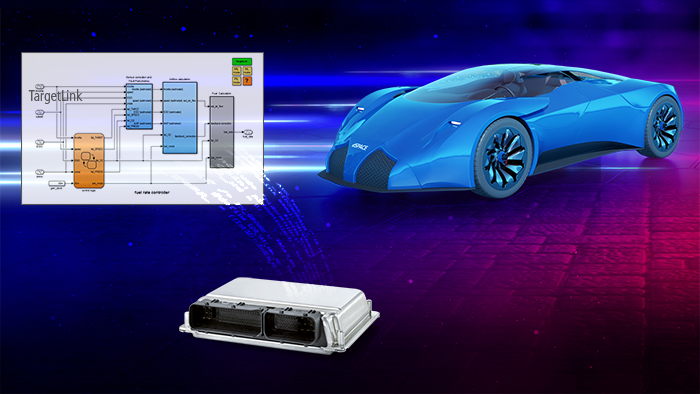
Do you have a defined workflow in which you always want to adopt certain elements from one product, but discard others? Or do you repeatedly face problems when you use products from different manufacturers in your AUTOSAR workflow? dSPACE AUTOSAR Compare lets you write rules to automate these repeating tasks. For the exchange between SystemDesk and TargetLink, which is common practice for many customers, dSPACE provides such a rule file.
Automation
All functions can also be automated via an API. This is realized by a special console application, which ensures that you receive meaningful status messages. In combination with the rule-based merge, you can automate the complete AUTOSAR workflow. To ensure that you always have an overview and can work according to your work processes, dSPACE AUTOSAR Compare also lets you generate reports on differences and the performed merge actions.
Functionality Overview
| Functionality | Description |
| General |
|
Optional Products


Support for Users of dSPACE AUTOSAR Compare
Links to detailed technical information and customer service. Access may require registration.