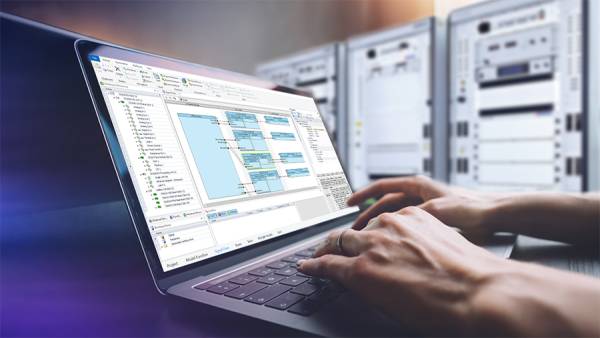
Shared Data Interface: Simple. Fast. Future-Proof.
- HIL 测试
15:45min

概述
In modern HIL projects, complexity and data volumes are skyrocketing - traditional port-mapping approaches reach their limits: long configuration times, performance losses, and a lack of support for complex data structures.
The solution? The new shared data interface (SDI). Instead of cumbersome port mapping, Simulink models and bus configurations now access a shared data structure directly. This means faster simulations, easy integration, and full support for complex signals - regardless of the bus system.
In the video, Mateusz and Marvin demonstrate in a practical way how SDI works: from creating the bus configuration in Bus Manager to the model implementation in MATLAB/Simulink and establishing the final connection - all with minimal manual mapping. You’ll learn how SDI accelerates your workflows, decouples teams, and enables scalability for large multi-ECU projects.
The bottom line: Less effort, improved performance, and a new approach that’s ready for the future. Check it out and see for yourself!
主讲

Mateusz Urban
Product Manager ConfigurationDesk, dSPACE GmbH

马文-斯图特
dSPACE 公司 总线与网络管理 产品工程师
FAQ
Q1: What exactly is the shared data interface (SDI)?
A1: SDI is a central data structure that Simulink models and bus configurations access directly. This eliminates the need for manual port mappings and leads to better run-time performance as well as a more decoupled workflow.
Q2: What problems does SDI solve?
A2: Traditional approaches slow down large models: performance loss, high complexity, and a lack of support for complex data types. SDI eliminates these obstacles.
Q3: Does SDI support complex data structures?
A3: Yes! Whether arrays or multidimensional data types, SDI is equipped for modern vehicle structures and zonal architectures.
Q4: Is SDI complicated to integrate?
A4: No. Thanks to the new SDI approach, creating the communication is easy. You import the interface into Simulink and can get started right away - with minimal manual mapping.
Q5: Which protocols does SDI support?
A5: SDI is currently available in ConfigurationDesk for CAN and LIN. Support for Ethernet and FlexRay will follow soon.
In the future, we will also support model-to-model communication, multicore and multiprocessor applications, , and SIL-HIL continuity with our SDI approach.