SystemDesk acts as the ideal basis for your software-in-the-loop (SIL) process. Based on your existing ECU code, you can create virtual ECUs that make it possible for you to execute and test your code in a cost-effective SIL simulation. If you want to model a new, classic AUTOSAR architecture or modify an existing one, SystemDesk offers powerful yet easy-to-use AUTOSAR architecture tools.

Easy data exchange
Efficient in large series projects

Complete Tool Automation
API for automating the V-ECU generation process

Realistic V-ECUs
Including production basic software

Full FMI Support
Vendor independence in the generation and use of V-ECUs
Application Areas
SystemDesk lays the foundation for successful software-in-the-loop testing. Regardless of whether you are working with Classic AUTOSAR, Adaptive AUTOSAR, or without AUTOSAR (non-AUTOSAR), SystemDesk helps you create your system under test (SUT).
No matter your output data, SystemDesk supports you in creating a virtual ECU (V-ECU). For example, you can import an existing Classic or Adaptive AUTOSAR architecture to use as a basis for configuring your basic software (BSW). In addition, you can use your fully integrated code directly with application software and basic software to create the V-ECU. Here, SystemDesk gives you countless options for perfectly tailoring and implementing your system under test according to your requirements. You can also follow the industry staple FMI standard and export V-ECUs as FMUs. This means you can execute the V-ECU at any time in VEOS or any other FMI-compatible simulation platform. This flexibility provides the perfect basis for your subsequent SIL and HIL tests.
Key Benefits
Generating V-ECUs
- Executing ECU code directly on a standard PC by providing RTE, AUTOSAR OS, CAN and LIN stacks, and the MCAL layer.
- Extreme flexibility for various test scenarios: V-ECUs at the application and basic software level in AUTOSAR and non-AUTOSAR environments.
- With our many years of experience, dSPACE can provide you with advice and help you implement complex scenarios.
AUTOSAR Modeling
- From a simple introduction to AUTOSAR to large-scale production projects thanks to sophisticated editors
- Completely valid AUTOSAR architectures during the entire development process
- Easy automation of all tasks

Automated Test Case Generation with Generative AI
Generative AI significantly reduces the manual effort required for test script development, configuration, and environment management. By automating the creation of new test cases and specifications, dSPACE enables faster, smarter, and more efficient test development, adding real value to the entire validation process.



Creating a Valid and Realistic System Under Test (SUT) for SIL Testing
A V-ECU is ECU software that can be executed in a SIL environment. The V-ECU can be based on Classic AUTOSAR, non-AUTOSAR-compliant code, Adaptive AUTOSAR, or even POSIX applications. SystemDesk offers complete support for creating any type of V-ECU for SIL testing.
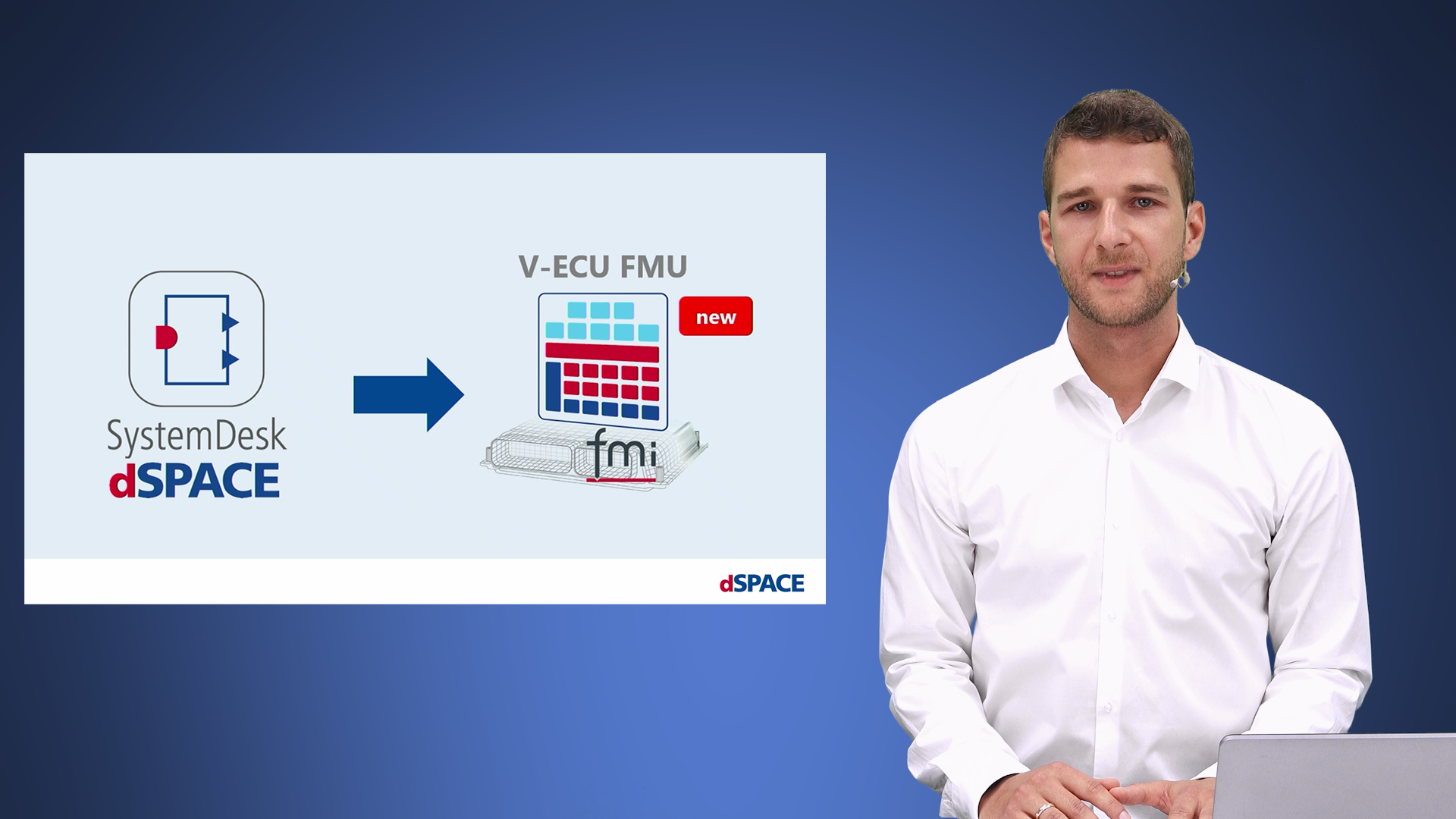
Interchangeability and sharing of V-ECUs is important to many of our customers. This is why SystemDesk lets you generate not only V-ECUs for the dSPACE SIL solutions but also standardized V-ECU FMUs. V-ECU FMUs are 100% FMI-compliant, do not use proprietary interfaces, and therefore offer maximum compatibility with numerous simulation platforms.
In the classic AUTOSAR context, a V-ECU can contain production code for the features to be tested, either only at the application level or including the basic software. The V-ECUs can be created including the application software and dSPACE basic software or with your own basic software. By using dSPACE basic software, you can create a V-ECU quickly and easily without extensive knowledge of AUTOSAR, whereas integrating your own basic software makes it possible for a realistic virtual ECU to simulate your real ECU. Non-AUTOSAR-compliant code can also be used as a basis for a classic V-ECU. This is done by entering functions, their cycle times, and interfaces. V-ECUs can even be created for non-AUTOSAR ECUs with basic software.

In addition to V-ECUs in the conventional context, V-ECUs can also be based on dynamic architectures. This includes both POSIX applications and Adaptive AUTOSAR. Adaptive AUTOSAR has a different architecture, in which a run-time environment is used independently of the application level, which is referred to as middleware. As a result, applications can be exchanged and updated flexibly while still using middleware features that were standardized by AUTOSAR. For the V-ECUs, you can use either your own middleware or the middleware from the AUTOSAR Adaptive Platform Demonstrator.
You can use VEOS to simulate the generated V-ECU, thus validating your software in a PC-based simulation. Of course, this also applies to Linux-based V-ECUs from the adaptive environment. Together with experiment software such as ControlDesk, you can evaluate the results.
Did you define a behavior in the software that you want to change? Simply load your software architecture in SystemDesk and change the necessary components or adjust the C code. After generating your V-ECU again, you can check the results of your changes directly with VEOS. Short paths to quick and valid results.

The Right V-ECU for Your Tests
On the way to the real ECU at the end of the development process, SystemDesk supports V-ECUs at the application, simulation BSW, and production BSW level.
- Application Level V-ECUs - Application-level V-ECUs, which we also call level-1 V-ECUs, can be used to perform comprehensive functional testing on application software. Both individual software components and a complete application software can serve as the basis for the V-ECU. Even at this initial level, the V-ECU can be used within a continuous testing process to detect errors early on in the development process.
- Simulation BSW V-ECUs - In addition to the first level, a level-2 V-ECU includes non-productive basic software that was created only for this specific V-ECU and its simulation. Thus, the V-ECU can be connected to a virtual bus and tested in a broader context.
- Production BSW V-ECUs - In addition to the application software, production BSW V-ECUs also contain the productive basic software. This way, level-3 V-ECUs simulate the hardware-independent software of the real ECU. Because these V-ECUs are suited for complete ECU software tests, they are often used by ECU managers in HIL frontloading.
Modeling Your Software Architecture
Create your own AUTOSAR software architecture from scratch or enhance an existing architecture.
SystemDesk offers comprehensive modeling tools. For example, you can create individual or multiple software components down to the last detail before combining them into an integrated composition. As a result, it is possible to model the entire application layer of an individual ECU or even application software spread out across multiple ECUs.
The modeling of a classic AUTOSAR architecture is supported in SystemDesk by intuitive preconfigured dialogs to maintain an overview of your model at all times. The comprehensive graphical support not only helps you use the product for the first time but also promotes efficient work with reduced errors in large-scale projects.
In such large-scale projects, AUTOSAR files are usually stored centrally in a version control system, such as git, so that various developers and architects can work separately and in parallel. If any conflicts arise or if you simply want to obtain a quick overview of any changes, dSPACE AUTOSAR Compare supports you completely independently of your other tools. Combined with SystemDesk, you can even display the differences between a specific file and the current project state in SystemDesk.


From the Starting Point to the Complete SIL World
You have created a V-ECU with SystemDesk based on your software architecture: this marks your start in the flexible and cost-effective world of software-in-the-loop simulation. Thanks to the scalability of a V-ECU, you can save valuable time spent on HIL testing, run different tests simultaneously, and even perform tests directly on the developer PC. Level-1 V-ECUs can even be used on SCALEXIO as a restbus.
In addition to the easy integration of SystemDesk into your existing tool chain, dSPACE offers compatible products for optimizing your workflow in the SIL world. For example, you can simulate one or more V-ECUs in VEOS and test them in a realistic environment. ControlDesk allows you to evaluate all of the values in a concise overview, while AutomationDesk allows you to run your tests completely automatically.
AUTOSAR files can be saved centrally to allow various developers and architects to access them in parallel from all of these products, in a version management system such as git, for example. If any conflicts arise or if you simply want to obtain a quick overview of changes, dSPACE AUTOSAR Compare supports you completely independently of your other tools.
We would be happy to help you achieve your goals in the SIL world. Our Engineering Services team can help make a start or changeover as easy as possible for you.
- They are your partner for creating and discussing ideas, plans, and concepts for SIL testing.
- They accompany you when you introduce SIL and V-ECU testing in your company
- They support you in creating a first V- ECU for a proof-of-concept
- They help you scale SIL testing for many users by automating the V-ECU creation process.
- For agile development.
- For continuous integration and continuous delivery (CI/CD) processes.
- For SIL in the cloud.
- They contribute experience gained in V-ECU projects for OEMs and suppliers from around the world.
What our customers say
We extend our heartfelt appreciation to the dSPACE team for their unwavering support and exceptional tools including the dSPACE SystemDesk, V-ECU, and ControlDesk during our successful level 3 V-ECU project. Their expertise, transparency, and commitment were instrumental in achieving outstanding results.

Optional Products

V-ECUs Now Fully Compliant with Standards
When using virtual ECUs (V-ECUs), dSPACE relies entirely on the FMI standard and its layered standards (FMI-LS-XCP and FMI-LS-BUS). dSPACE is the first manufacturer to support all automotive bus systems of the FMI-LS-BUS in its software-in-the-loop products.
Teams that create V-ECUs for use in simulation by other teams can be sure that their V-ECUs created with SystemDesk will be usable by other teams, regardless of the target platform, as long as it also supports FMI and the layered standards.

Support of the latest AUTOSAR Release; Ethernet support for V-ECUs based on FMI-LS-BUS
SystemDesk 2025-B supports the latest AUTOSAR Release R24-11 for the AUTOSAR Classic Platform and AUTOSAR Adaptive Platform.
SystemDesk's FMI support is continuously being improved. With SystemDesk 2025‑B, SystemDesk now additionally supports the recent versions 1.0.0 and 1.1.0-beta of the FMI Layered Standard for Network Communication (FMI-LS-BUS). The latest 1.2.0-alpha version adds support for Ethernet communication. This FMI-LS-BUS version is supported with a patch for SystemDesk 2025-B.


Support for SystemDesk Users
Links to detailed technical information and customer service. Access may require registration.