
RTI-MP
For graphical setup of multicore applications on the MicroLabBox
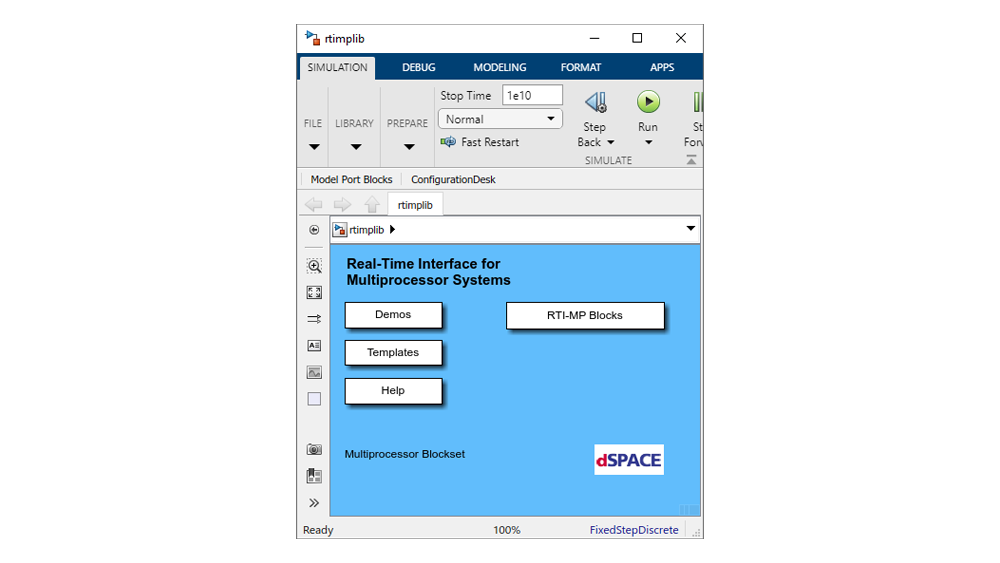
Real-Time Interface for Multiprocessor Systems (RTI-MP) supports multicore applications on the MicroLabBox and helps increase the performance.
- Interrupts for synchronized task execution on multiple cores
- Graphical setup of multicore applications on the MicroLabBox in Simulink®
Application Areas
Real-Time Interface for Multiprocessor Systems (RTI-MP) supports multicore applications on the MicroLabBox and helps increase the performance.
Working with RTI-MP
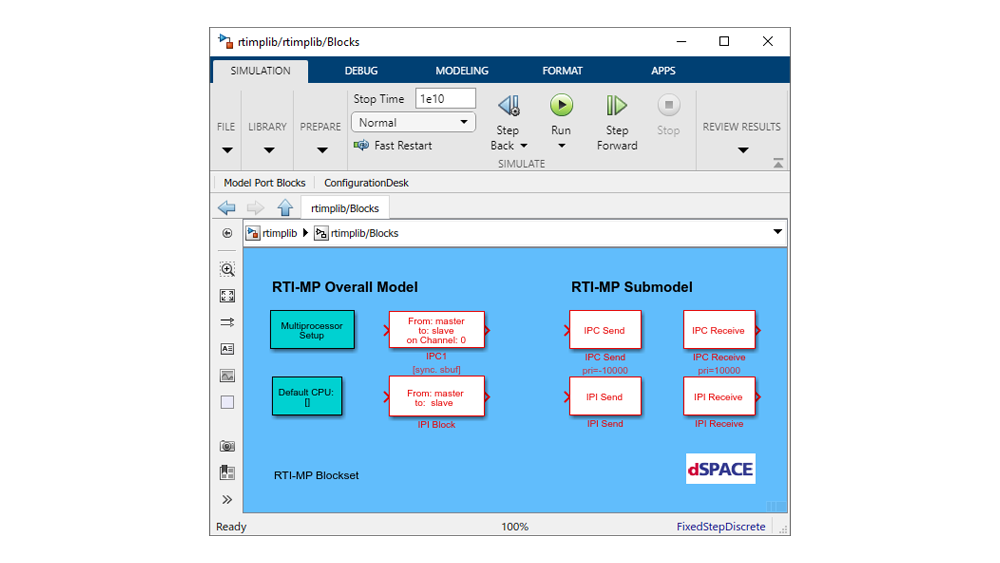
RTI-MP enables you to partition your system model and allocate the parts to the cores of your MicroLabBox by using simple drag & drop operations. Each core submodel can be adjusted individually for optimum performance, including step sizes, integration algorithms and trigger conditions. After specification, you can implement your model on the MicroLabBox with a single mouse click. Build procedures can also be automated with the help of scripts.
Key Benefits
RTI-MP offers a maximum of convenience to accomplish tasks such as:
- Partitioning the system for optimum processor load
- Producing the model communication code
System dynamics can be designed in Simulink.
Automatic implementation is started via buttons: RTI-MP downloads your model to the multicore system and starts running it automatically.
| Functionality | Description |
|---|---|
| Partitioning the Simulink® model |
|
| Optimizing speed and accuracy |
|
| Implementing the model on multicore hardware |
|
| Communication mechanisms |
|
Drive innovation forward. Always on the pulse of technology development.
Subscribe to our expert knowledge. Learn from our successful project examples. Keep up to date on simulation and validation. Subscribe to/manage dSPACE direct and aerospace & defense now.